Page 1 of 1
PC users having a blank screen
Posted: Wed Jan 21, 2026 5:50 pm
by ethantoddharris
Hey there,
I have a few students who are using Jamovi on a pc and they have an error that is something about a server error. When they open up jamovi the only thing there is a blank screen. They are using 2.7.17, the current version. Any ideas on what is going on?
Re: PC users having a blank screen
Posted: Wed Jan 21, 2026 11:14 pm
by jonathon
Hi,
when jamovi first starts up, it launches a python server process in the background. something on these PCs would seem to be interfering with that start-up process. it's possible that they have some anti-virus products that are interfering, or there may be something unusual about the way their systems load DLLs.
in this case, the easiest way forward is for them to use the cloud version instead:
https://cloud.jamovi.org
cheers
Re: PC users having a blank screen
Posted: Wed Sep 23, 2026 4:19 am
by PeteD
I may have a student with the same issue on Windows. When she installs and starts, she is greeted with this:
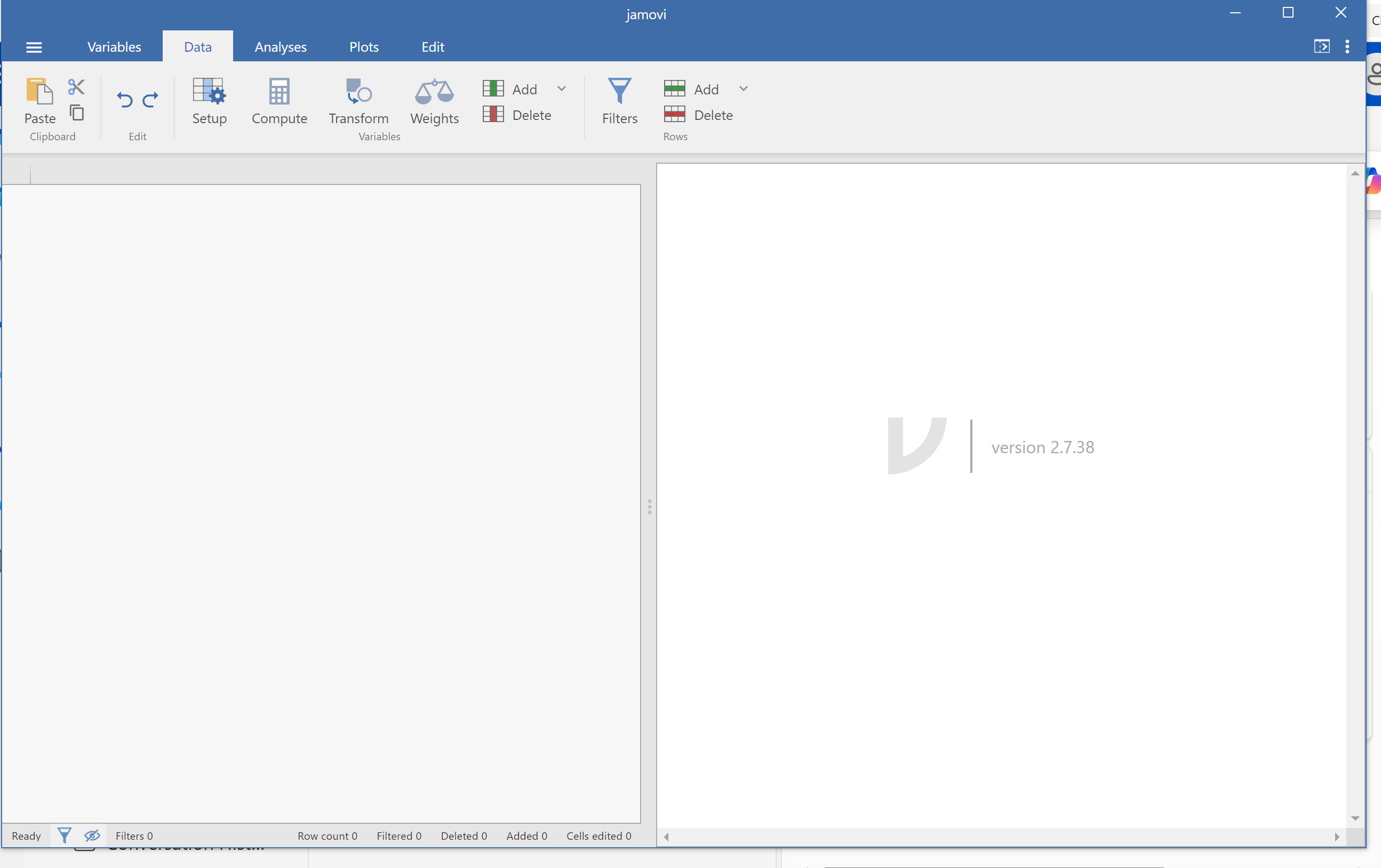
- image.png (181.29 KiB) Viewed 1094 times
We have tried many things but cannot make any progress in *starting* jamovi. Is this the situation you were talking about, Jonathon?
I asked her to pause the antivirus software to see what happens; she does not have any.
Any tips?
P.
Re: PC users having a blank screen
Posted: Wed Sep 23, 2026 5:17 am
by jonathon
hi pete,
i think this is a different one ... it starts up, but it's only the displaying of data that seems to be a problem

they could try starting jamovi at the terminal (jamovi debug should be available from the start menu), and provide any error messages that appear. alternatively, they could try the 28 series, and failing that, the cloud.
jonathon
