Page 1 of 1
Unable to reach library
Posted: Mon Aug 31, 2026 6:26 am
by bayuknusantara
I am experiencing an issue when trying to install packages in jamovi. There are three libraries/packages that I would like to install: CompositeSEM, easyRasch2jmv, and MEDA.
However, whenever I try to install these packages, the installation fails and I receive the following notification:
“Unable to reach library.”
I am currently using jamovi version 2.82 on Windows 11.
Could you please advise me on how to resolve this issue and successfully install these packages?
Re: Unable to reach library
Posted: Mon Aug 31, 2026 11:46 pm
by jonathon
Hi,
This usually indicates your network is preventing jamovi from reaching the library. Try connecting using a different network, or a mobile hotspot. Alternatively, you can download modules to sideload, for the 28 series of jamovi under windows here
https://library.jamovi.org/win64/R4.6.0-x64/
jonathon
Re: Unable to reach library
Posted: Wed Sep 02, 2026 1:03 am
by garybass
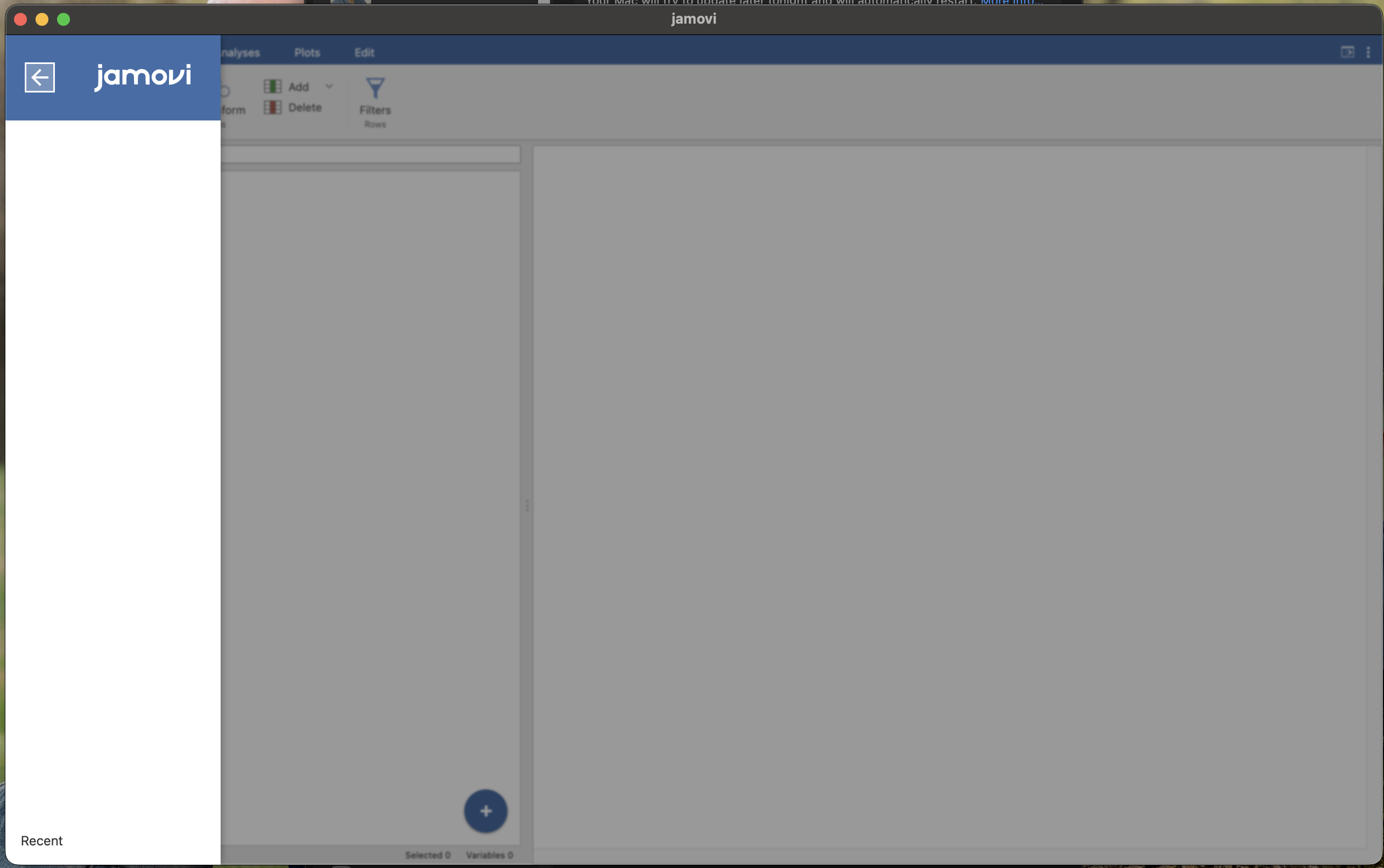
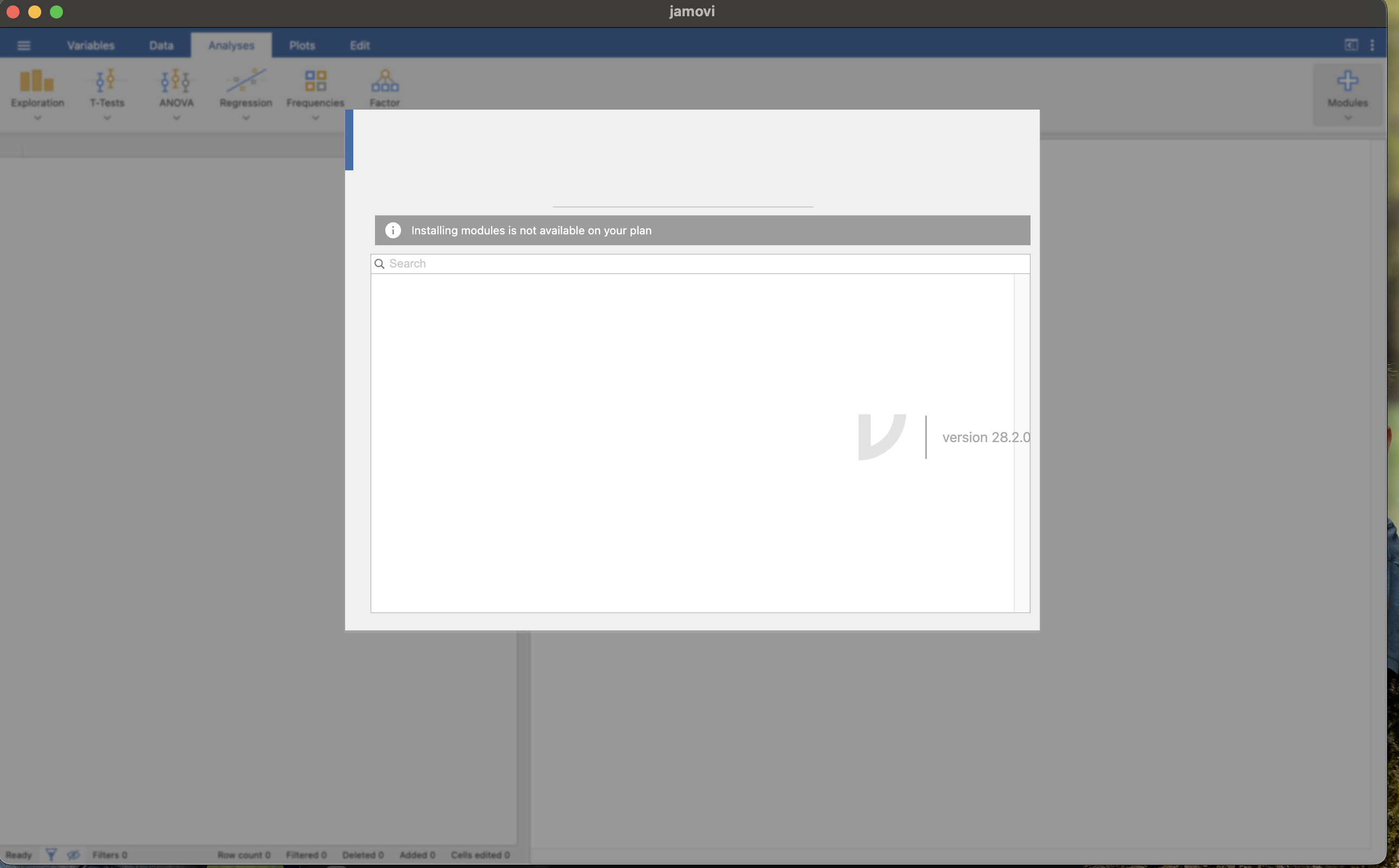
I have encountered the same problem with both solid 2.7.38 and current 28.2.0 Mac Silicon versions. In both cases, I cannot open files and I cannot manage the library. There is an error message "Installing modules is not available on your plan"
- Screenshot 2026-09-01 at 21.02.14.png (259.16 KiB) Viewed 27823 times
- Screenshot 2026-09-01 at 21.03.10.png (294.67 KiB) Viewed 27823 times
Re: Unable to reach library
Posted: Wed Sep 02, 2026 2:02 am
by jonathon
Hi,
This is a separate issue to the (Unable to access the library) issue above, and it's a doozey. The "installing modules is not available on your plan" is a red herring; the rendering of the front-end is failing spectacularly, and random stuff is being displayed.
In this case, I'd suggest clearing out jamovi's app data, and seeing if that makes a difference. Close down jamovi, then In the macOS finder, issue cmd+shift+g ... then navigate to ~/Library/Application Support/ ... find the jamovi folder and delete it. Then try starting jamovi.
In the mean time, you might find the cloud version useful:
https://cloud.jamovi.org
But a failure like this we haven't seen before.
jonathon
Re: Unable to reach library
Posted: Wed Sep 02, 2026 1:04 pm
by garybass
Thanks Jonathon, that fixed the problem!